A video editor that never uploads the footage
For material that cannot go to somebody else’s server: unreleased work, an NDA, a patient, a client, a case. The file is read where it sits, the render happens in the tab, and nothing is sent anywhere.
What "no upload" means here, exactly
It is worth being precise, because the phrase is used loosely. In cutvid there is no server to upload to. The application is a set of static files; once the page has loaded there is no API it talks to, no bucket the media is copied into, and no account the work is attached to.
- The media
- Read from disk by the browser, kept in the browser’s own storage, known by a content hash so two projects can share one file without copying it.
- The decode and the render
- WebCodecs and WebAssembly in the tab, using the machine’s own hardware. An HEVC file is decoded by FFmpeg compiled to wasm.
- The transcription
- Whisper, in the browser. Audio is not sent for it.
- The export
- Encoded in the tab and written straight to disk.
- The project
- A CRDT document in local storage; exportable as one .cutvid file with every original it uses.
- Offline
- Installable. With the network off, everything above still works.
How to check that claim rather than trust it
Open the network panel in the browser’s developer tools and cut something. After the page and its assets have loaded, there are no further requests: no upload, no telemetry, no analytics beacon. Or load the page once, turn the network off, and keep editing: the work carries on because there was never anything on the other end of it.
Who this is for
- Unreleased product footage, and anything under embargo.
- Work under an NDA, where a cloud editor is a contract problem rather than a preference.
- Medical, legal and HR recordings, where the upload is the part that is not allowed.
- Internal communications and anything with a customer’s data in shot.
- Journalism and research with a source to protect.
- Anywhere the network is slow, metered or absent, and a four-gigabyte upload is not going to happen.
It is a real editor, not a trimmer
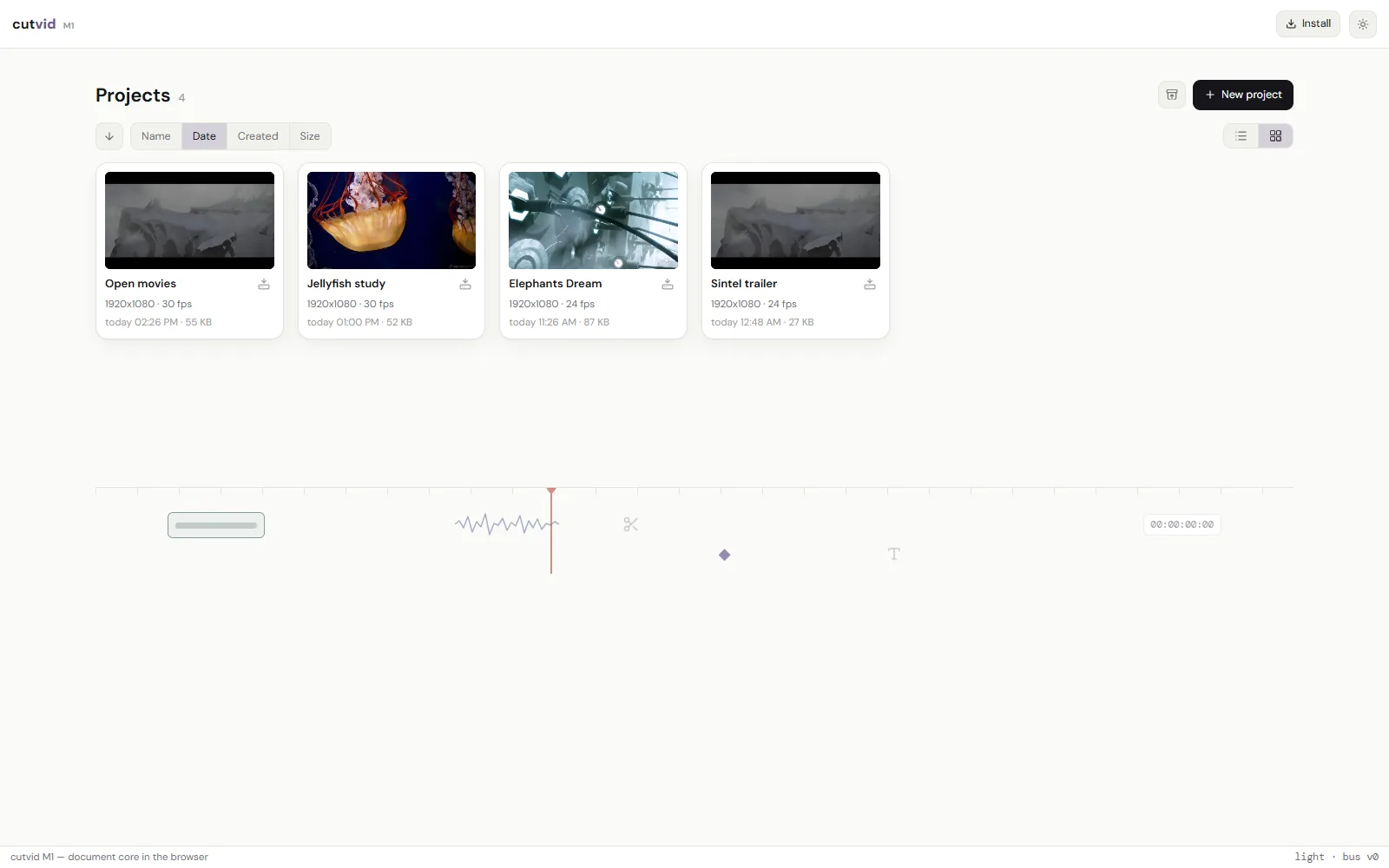
Most tools that promise no upload are a single-purpose trimmer. This one has a timeline with ripple trim and sync-locked tracks, nested sequences, keyframes on an anchor, 33 transitions, chroma key, LUT grading, titles that kern, a per-clip audio chain, transcription with speakers, captions, screen and camera recording, and an MP4 at the end.
What it does not do:
- Export is H.264 video and AAC audio in an MP4, or the sound alone as .m4a. No ProRes, no DNxHD, no H.265 out, no image sequences.
- No team features: no cloud project, no review link, no comments, no shared library. A project lives in one browser, and moves as a file.
- No stock library and nothing generative: no stock clips, no music bed, no AI b-roll, no generative fill.
- No third-party plugins. No OpenFX, no VST, no motion-graphics templates from another app.
- Colour is LUTs and the effect rail, not scopes, curves and secondaries. A .cube grades a clip; there is no vectorscope to grade against.
- Built and checked in Chromium browsers, which is where WebCodecs is furthest along. Other browsers vary by codec and by version.
- It runs in a tab, on one machine. A long 4K timeline is heavier here than in a native application on the same computer.
Questions
- Is anything sent to a server?
- After the page loads, no. The application is static files; there is no API behind it.
- Where is my project stored?
- In this browser’s storage, on this machine. Clearing the browser’s data for the site removes it, so keep a .cutvid backup of anything that matters.
- Can I use it with the network off?
- Yes, once it has been installed. It keeps a copy of itself.
- Is it open source?
- The repository is not public at the moment. The claim above is checkable from the browser’s own network panel without it.
- What are the limits on file size or length?
- The machine and the browser’s storage quota, rather than a plan. There is no per-minute cap.
Open it and cut something.
No account, no install, nothing uploaded. The first edit takes as long as a page load.