Cut video without uploading a frame.
Import, cut, add titles and export in your browser, with no account.
Chrome, Edge and Firefox, on Windows, macOS, Linux and ChromeOS.
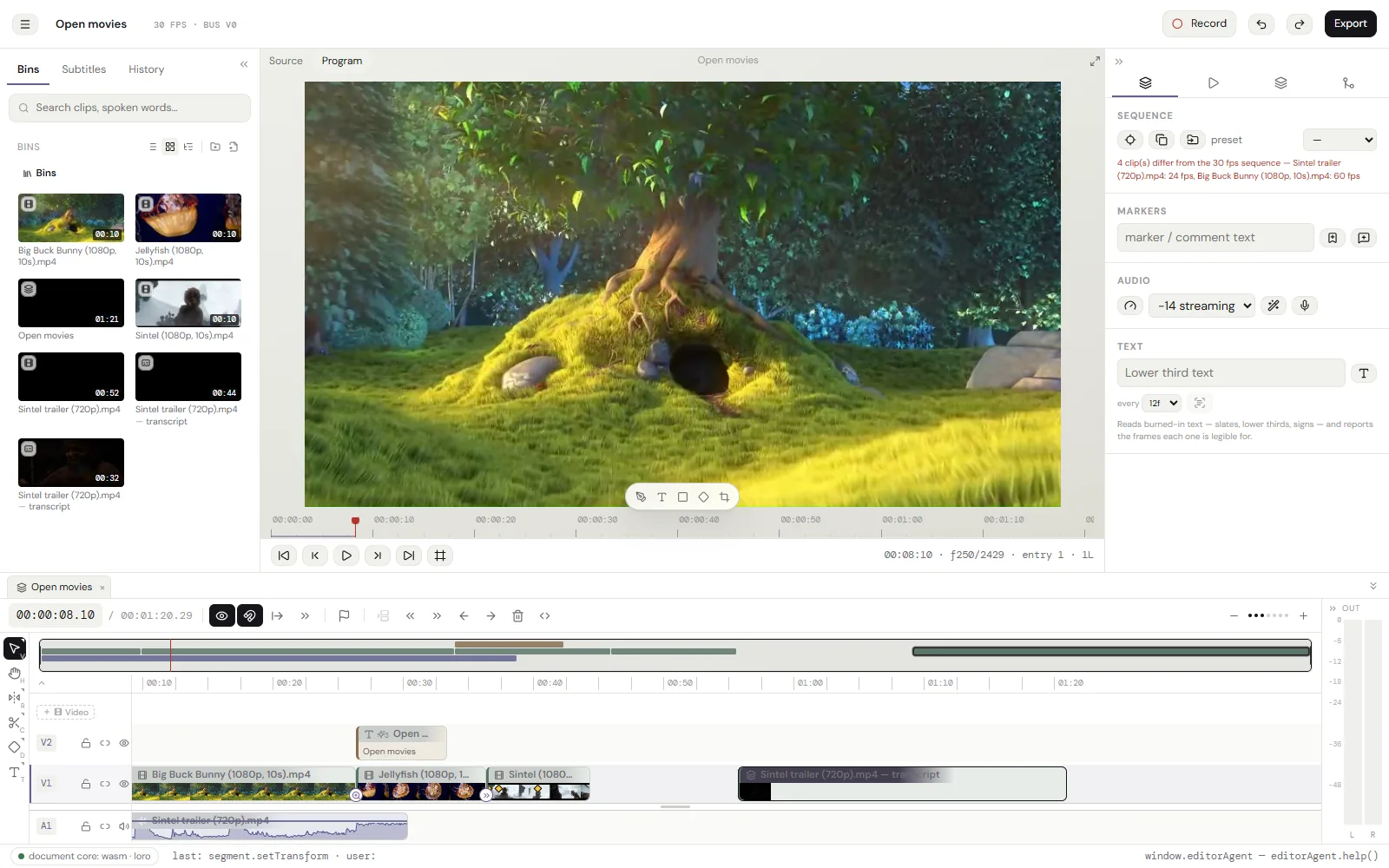
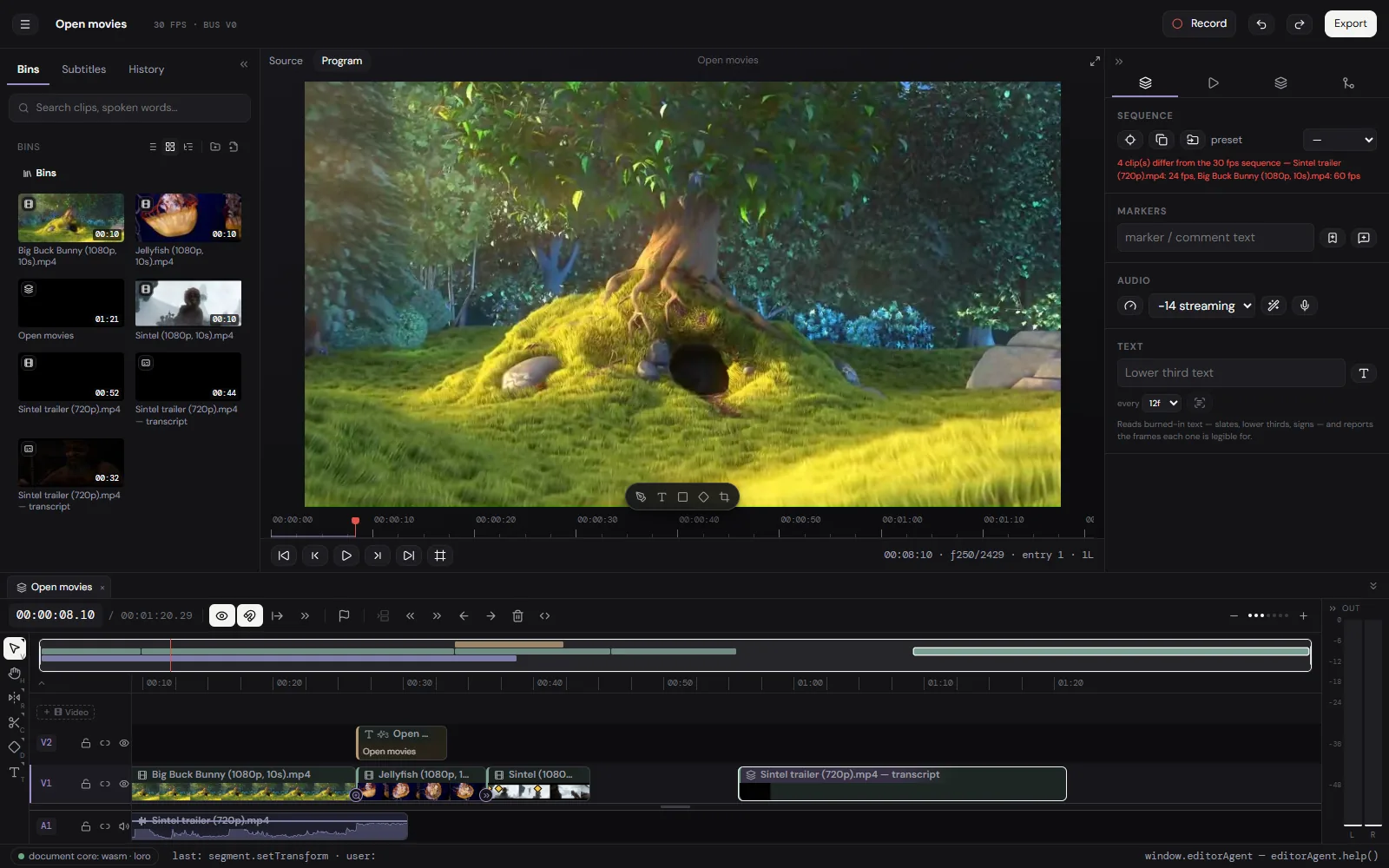
In brief: a free online video editor.
cutvid is a free video editor that runs in a browser tab. It opens a file from your disk, cuts it on a real timeline, and writes an MP4 back to your disk. Nothing is uploaded, there is no account, and it keeps working with the network off.
No account, no trial, no card. There is no tier above this one.
Start editing- 0 bytes uploaded
- 32 transitions
- 23 clip animations
- 61 keyboard actions
- CostsNothing. No account, no trial, no watermark, no paid tier.
- Runs onA browser tab, on your own machine. It installs as an app and then works offline.
- ReadsWhat the browser can decode, plus H.265 through FFmpeg in WebAssembly.
- WritesH.264 in MP4, MOV or MKV, VP9 in WebM, or the audio alone as M4A, Opus or WAV, at any size and rate, with captions as .srt and .vtt beside it.
- Keeps the workIn this browser. One .cutvid file holds a project and every original it uses.
- Answers to a scriptwindow.editorAgent, the same commands the interface sends.
What it does.
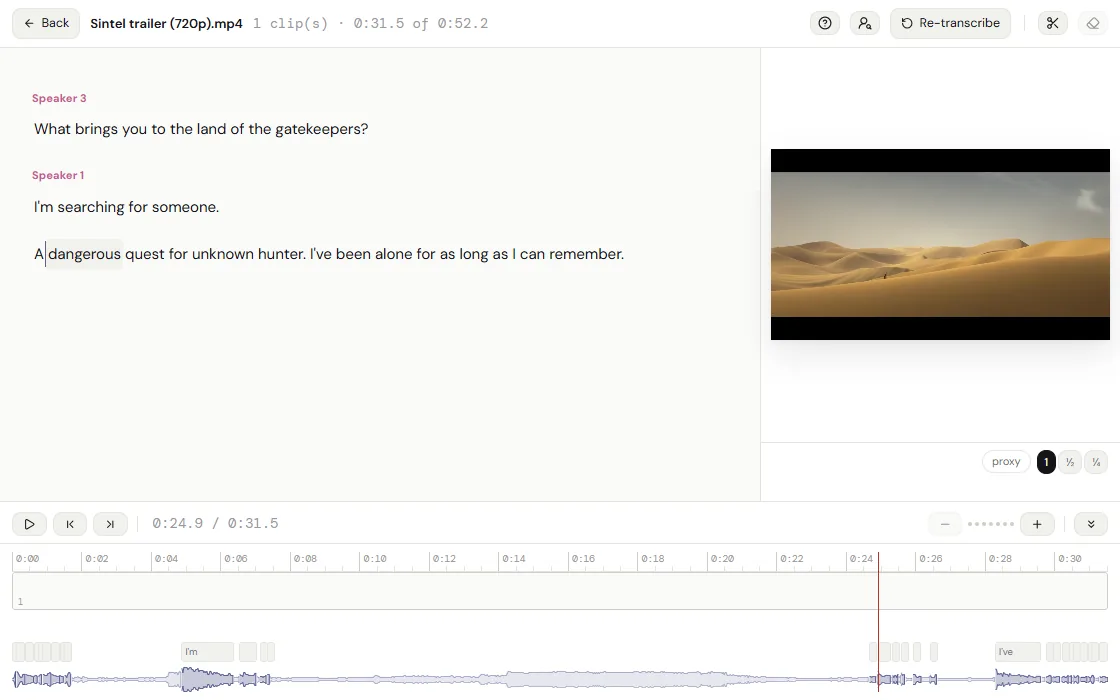
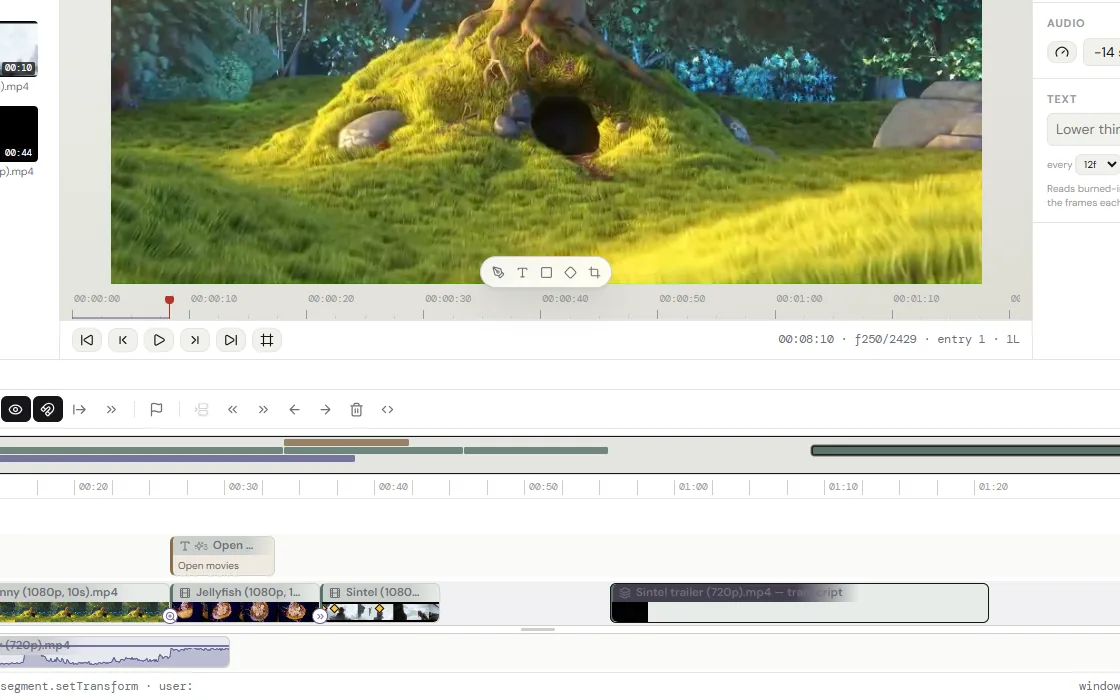
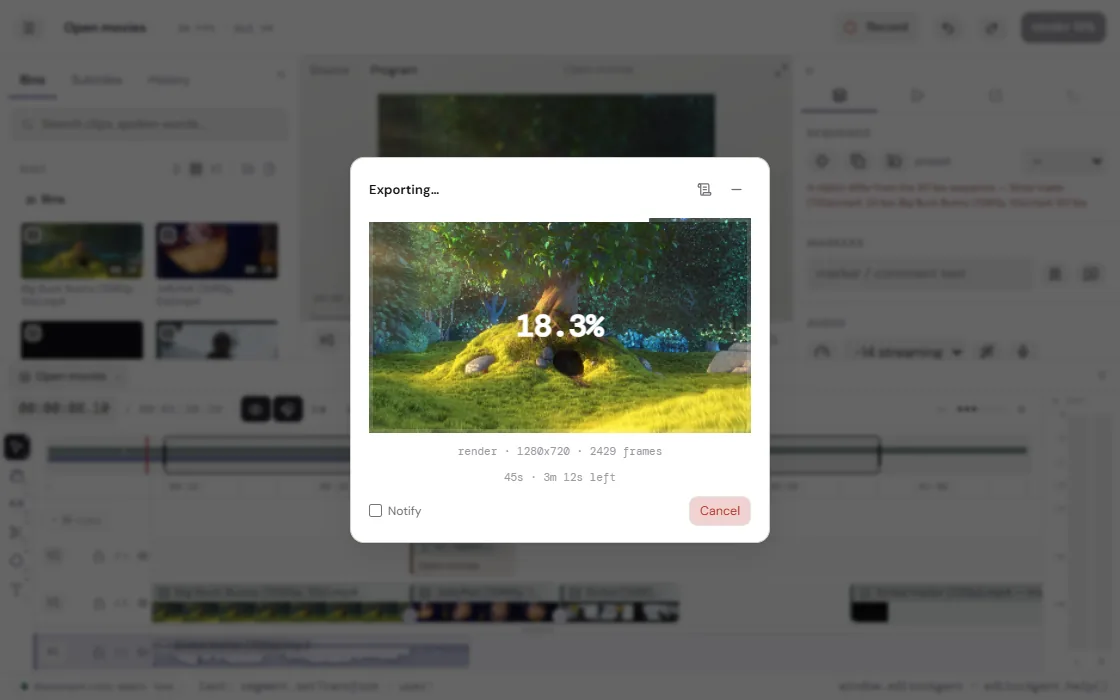
Files in this browser, not on a server.
The cut, the media and the history live in this browser’s storage. Back a project up as one .cutvid file and restore it in another.
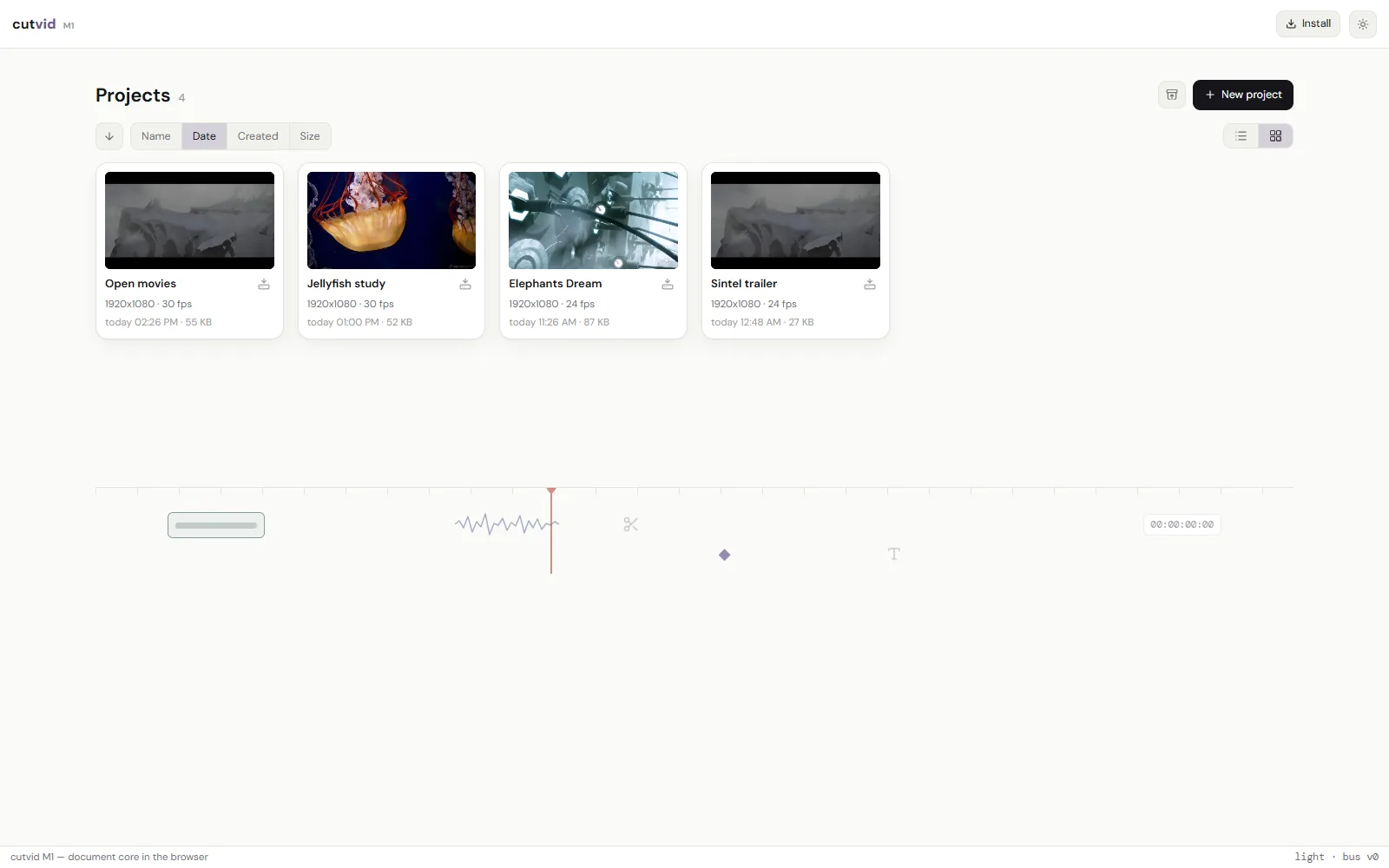
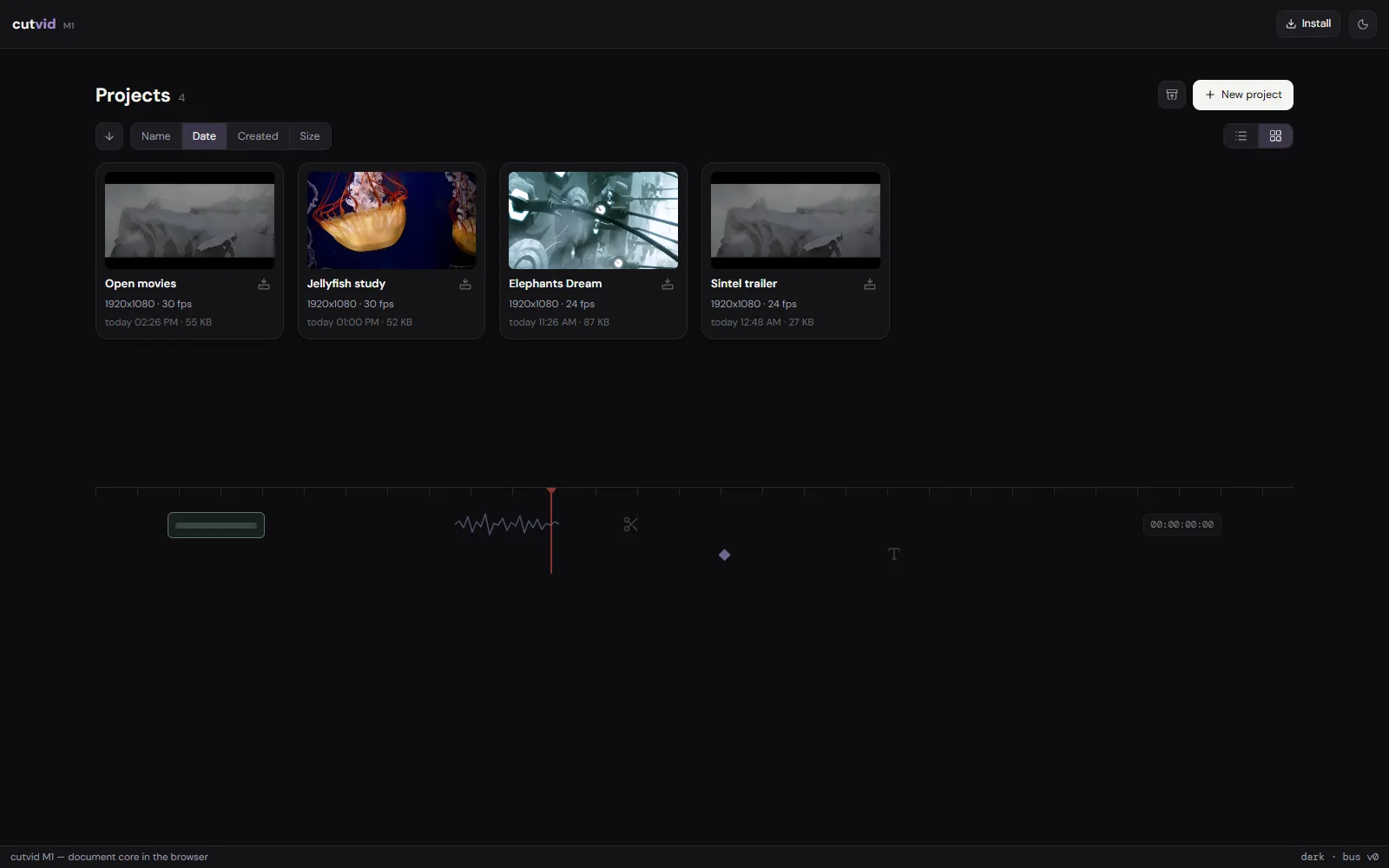
When it has to stay on your machine.
- Unreleased workFor footage under embargo, an upload is the leak.
- Under an NDAA cloud editor is a contract problem, not a preference.
- Medical and legalFor these recordings, the upload is the part that is not allowed.
- Internal commsA customer’s data is in frame, on a machine that may not send it out.
- ReportingA source needs protection, and the file should stay on one disk.
- No connectionThe network is slow, metered or absent. A 4 GB upload is not going to happen.
An editor a script can drive.
Every edit the interface makes is a command, and a script sends the same ones. It can read the whole cut, find a phrase somebody said, make the edit, look at the frames that came out of it, and put all of it back. The script can be yours or an agent’s, and either way its work stays out of your undo and rolls back in one move.
What it does not do.
- Export is H.264 in MP4, MOV or MKV, VP9 in WebM, or the audio alone as M4A, Opus or WAV. No ProRes, no DNxHD, no H.265 out, no image sequences.
- No team features: no cloud project, no review link, no comments, no shared library. A project lives in one browser and moves as a file.
- No stock library and nothing generative: no stock clips, no music bed, no AI b-roll, no generative fill.
- No third-party plugins: no OpenFX, no VST, no motion-graphics templates from another app.
- Color is LUTs and the effect rail, not scopes, curves and secondaries. A .cube grades a clip; there is no vectorscope to grade against.
- It runs in Chrome, Edge and the other Chromium browsers, and in Firefox, where it draws with WebGL2. Safari is not checked yet.
- It runs in a tab, on one machine. A long 4K timeline is heavier here than in a native application on the same computer.