Everything in the box.
54 of them, and every line names something in this build. Free, in a browser tab, with the footage never leaving the machine.
The cut
Every edit is a command on one bus, undone the way it was done.
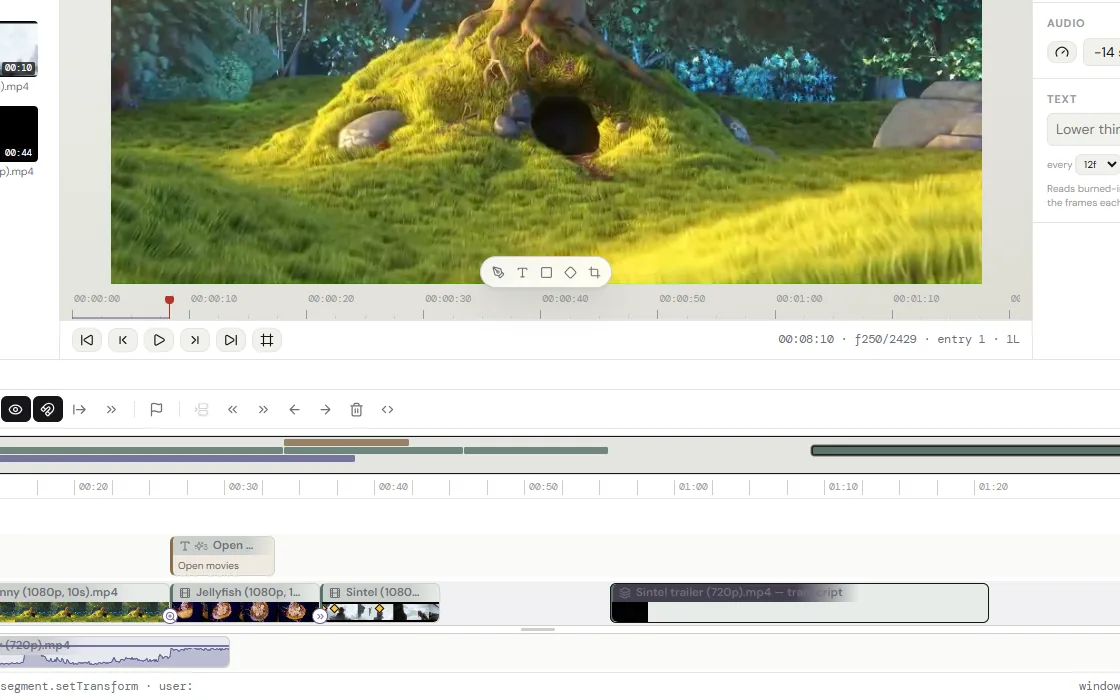
- Insert and overwriteA clip goes between what is there, or over it. Positions come from the clips; nothing is stored twice.
- Razor and rippleSplit at a frame. Trim an edge and everything after follows, or stays put.
- Sync-locked tracksAn insert on the picture moves the sound by the same frames.
- Track select forwardOne key and a click take every clip from there to the end.
- Freeze framesA half-second hold at the frame is absorbed by the gap after the clip or laid on the track above. The tool shows where the video already holds still.
- Speed, reverse, loopPlays a clip at any rate, backward, looped or boomeranged.
- Nested sequencesA sequence is a clip in another, with transitions on it, into it and inside it.
- Markers and a gap finderName a moment. Find the one-frame gap that should not be there.
- Linked picture and soundThe halves of a clip move together until told not to.
- History that is the documentUndo, redo and a journal on disk keep the history. A closed tab costs nothing.

Picture
Transitions and animations come from one catalog, and a rail holds everything else.
- 32 transitionsDissolve, dips, push, wipes, blinds, iris, zooms, whip pan, spin, glitch, light leaks, film burn, or leak footage of your own.
- 13 entrances and 10 loopsFade, zoom, slide, rise, drop, pop, twirl, shake, blink. Breathe, pulse, sway, bob, drift, pan, spin. Any layer takes them, in, during and out.
- TransformPosition, scale, rotation about an anchor of your choosing, skew, crop, opacity, rounded corners and blend modes.
- KeyframesAnimates any of those over time, in lanes under the clip.
- Chroma keyKey a color out of a clip, or out of a whole nested sequence.
- Grades from LUTsA .cube file is a bin asset. Drop it on a clip.
- Shadows and blurAdds a drop shadow, an inner shadow and a layer blur, each with spread.
- Titles that kernLines are set like the type they are. Letters, words or blocks animate in, during and out.
- Shapes, paths, stillsRectangles, paths drawn with a pen, and images sit on the timeline in their own color.


Sound
Every clip has a chain, and the mix fills in around the playhead.
- Gain, fades, metersGain and fades are set per clip and drawn on the waveform. The meters read the mix.
- A blend at every cutSound crosses a cut by blending the two sides, over a length of its own. There is none by default; a handle on the timeline pulls one out.
- An audio chainHigh-pass, 3 bands of EQ, denoise, a gate, a compressor, a de-esser, a notch, echo and room.
- 6 room presetsVoice, noisy room, podcast, telephone, hall, slapback.
- Auto-duckingMusic dips under the dialogue as keyframes that can be moved.
- Silence stripFinds dead air and proposes it as cuts, shown on the timeline before they are made.
- LoudnessNormalizes an export to a LUFS target.


Speech and text
Speech is transcribed here, in the tab, and nothing is sent anywhere.
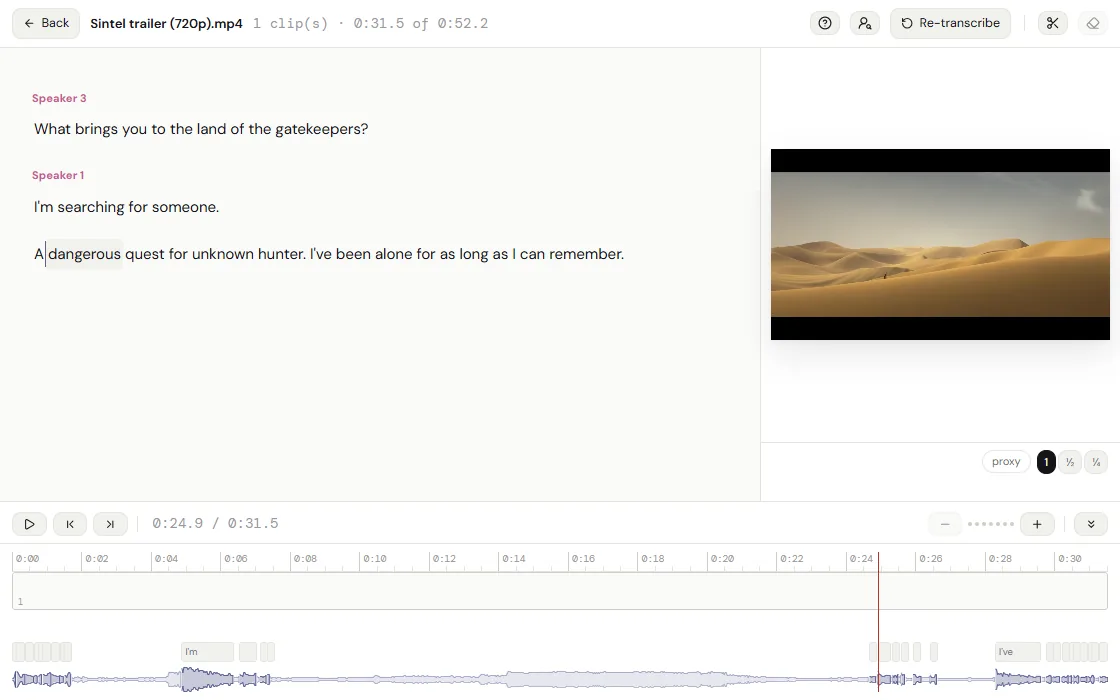
- TranscriptionWhisper runs in the browser, in 2 model sizes and many languages.
- SpeakersTells speakers apart and names them.
- Cut by the wordsStrike text in the transcript editor and the picture and the sound follow.
- Search spoken wordsThe bin finds a clip by what is said in it.
- CaptionsCaptions are written on the timeline and leave as an .srt beside the export.
- On-screen textA scan reads the text in the picture, so a slide is found by its title.

Capture
Records straight into the bin, without leaving the page.
- ScreenRecords a screen, window or tab, with its audio and the microphone.
- Screen and cameraRecords the screen with the camera in its corner.
- Camera and voiceRecords the camera, or the microphone alone for a voice-over.
- Photo and screenshotTakes one frame from either, as an image.


Files
Offline first. The work is in this browser, and it leaves as one file.
- No account, no uploadProjects and media live in the browser’s own storage.
- Works offlineInstallable. The app keeps a copy of itself.
- Media by contentEvery file is known by its hash, so projects can share it and relink it.
- ProxiesLighter copies are made for playback. The export never uses them.
- HEVC without the GPUAn H.265 file is decoded by FFmpeg in wasm and kept as H.264, so a driver that cannot take it never sees it.
- BackupsOne .cutvid file holds the document and every original it uses. Restore it anywhere.
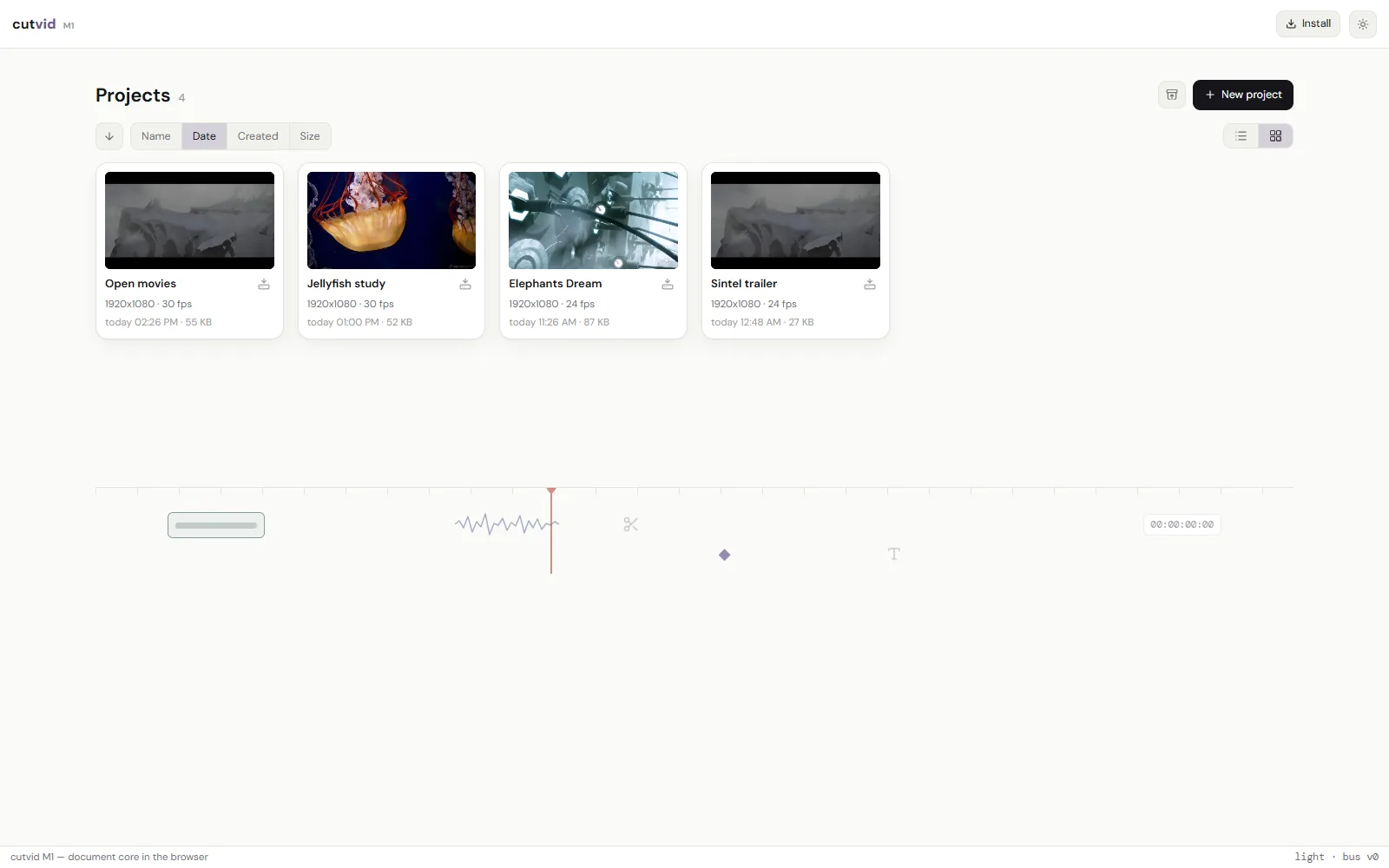
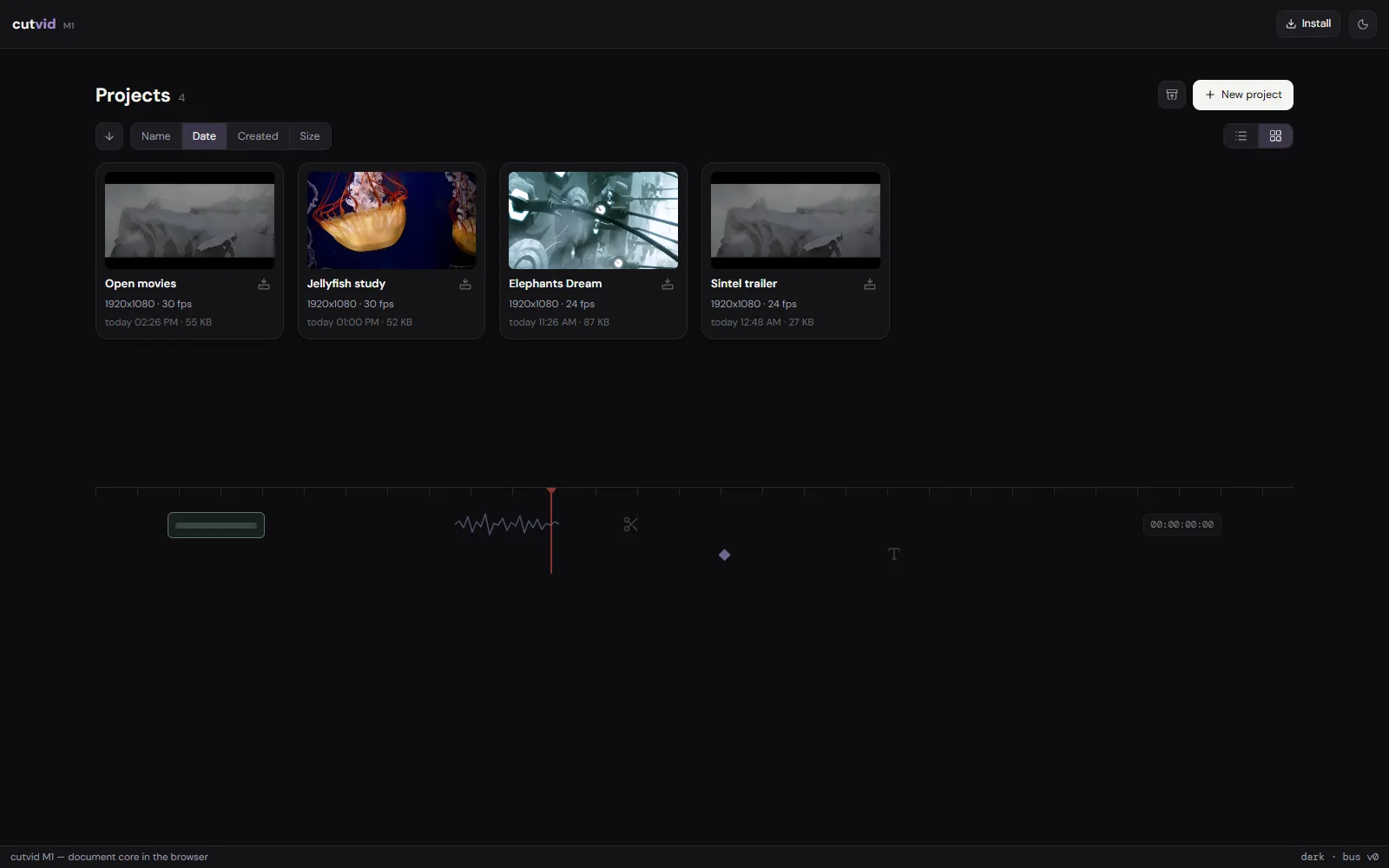
- Every export in one placeThe projects screen lists the exports kept in every project’s .exports bin: play, download or delete them without opening the project.
- A CRDT documentEvery edit merges. Two copies of a project come back together.
Export
The export renders in the tab with WebCodecs, straight to a file.
- MP4, MOV, MKV and WebMH.264, or VP9 in WebM, or the audio alone as M4A, Opus or WAV. Choose a preset, or a size and a rate of your own.
- Rate controlEncodes at a bitrate, or at a quantizer for an exact quality.
- RangesExports the whole sequence, or the part between the in and out points.
- Export checkA missing original stops it. Everything else is a warning that can be read.
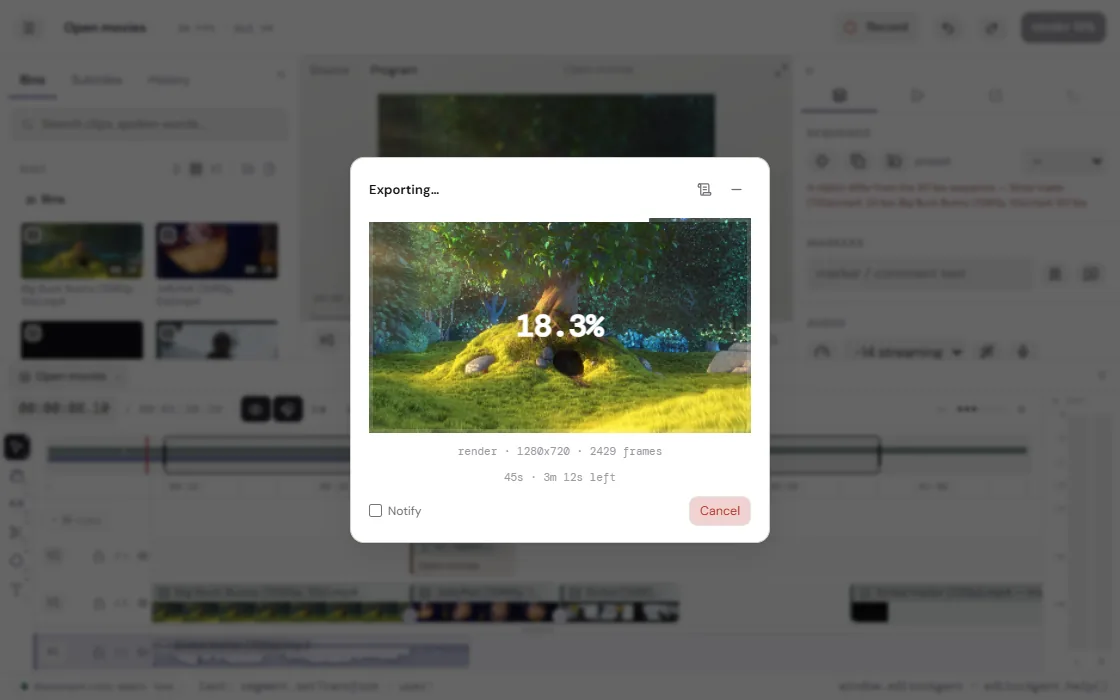
- The frame while it runsThe picture being encoded is on screen, so a mistake shows here and not in the file.
- Left to itselfIt can also run in the activity dock, and the file is saved the moment it is written. Keep editing, or open another project.

Open it and cut something.
No account, no install, nothing uploaded.